
Partners
A service profession. Tools to support it.
Create your driver file, add your documents and vehicles, then follow the training. You can then join a fleet.
Create my driver file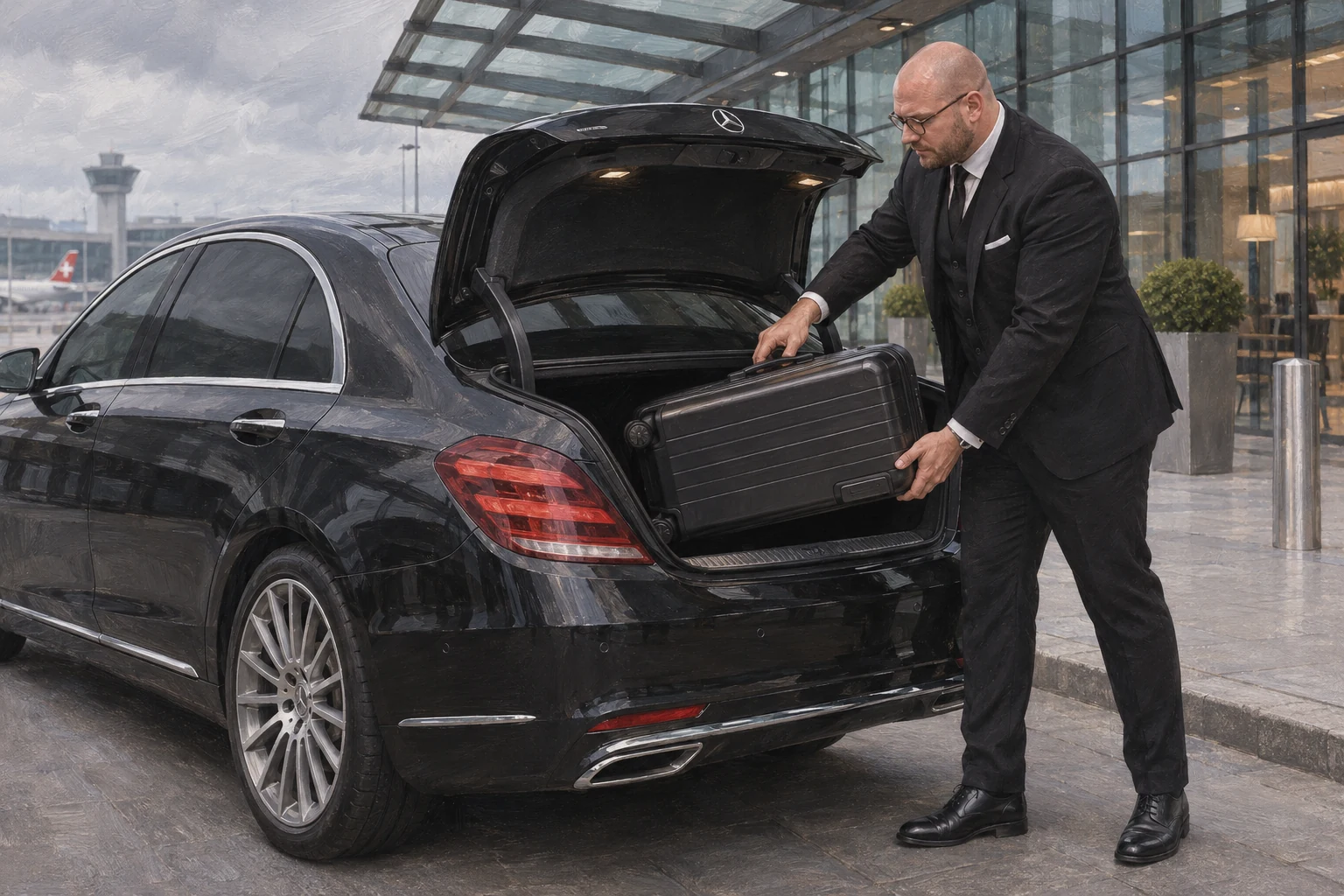
A structured partnership
Create your driver file, add your documents and vehicles, then follow the training. You can then join a fleet.
Only one driver file per person. Your rating, training and history follow you, even when you change fleets. Deactivation does not reset your reputation.
Communicate your confirmed email or mobile to the fleet representative. He can invite you; your consent is necessary. You can only drive for one fleet at a time.
My driver file
Choose an available vehicle
My activity

Partners
Presentation is part of the welcome.
Create your driver file, add your documents and vehicles, then follow the training. You can then join a fleet.
Only one driver file per person. Your rating, training and history follow you, even when you change fleets. Deactivation does not reset your reputation.
- Fleet membership
- Choose an available vehicle
- Record the actual stages
Be a chauffeur
My driver file
Create your driver file, add your documents and vehicles, then follow the training. You can then join a fleet.
Only one driver file per person. Your rating, training and history follow you, even when you change fleets. Deactivation does not reset your reputation.
Be a chauffeur
Attachment and hiring
Communicate your confirmed email or mobile to the fleet representative. He can invite you; your consent is necessary. You can only drive for one fleet at a time.
Enter the start date and declaration reference. Submit the employment documents and the contract in Documents. Personal parts are managed by the driver.
Be a chauffeur
Choose an available vehicle
The driver can add several vehicles that he owns or rents. The fleet adds vehicles owned or rented by the company or its legal representative. The proof of ownership is checked by Navette. A driver can select a validated and available vehicle from his fleet, without requesting additional authorization. The same vehicle cannot be used simultaneously by two drivers.
Be a chauffeur
Confirm, then leave at the right time.
Confirm pick-up upon assignment, no later than one hour before scheduled departure. An assignment received after H−1 is identified as late: the assignment delay is not charged to you.
After confirmation, no change of driver, no transfer or return is possible. If you are unable to do so, contact operations. Click “On Route” only when you are actually heading towards the passenger.
- Without confirmation to H−1, operations check the situation.
- A retained defect may result in the expected fees and blocking.
- Steps are recorded at their actual time, never in advance.
Be a chauffeur
Record the actual stages
The actions are recorded and feed into customer monitoring. Do not advance them to reassure the passenger and do not inform them while driving. For an hourly rental with driver, also indicate the distance actually traveled if it is requested at closing.
- Start journey: only when you actually go towards the passenger. Prepare Waze or Google Maps before riding.
- Report my arrival: when you are actually at the meeting point, ready to welcome the passenger; not while waiting at a distance.
- Passenger on board: once the right person is installed and the departure conditions have been verified.
- End the trip: at the actual end of the service, after drop-off.
Be a chauffeur
A welcome in four stages
Check the meeting point, the sign and useful information in advance.
- Greet: greet the passenger and discreetly confirm their identity and the route.
- Install the passenger: open the door according to their preference, offer your help and let them get comfortable. Close the door when it is securely installed.
- Load luggage: once the passenger is seated, place their luggage in the trunk with their consent, then close and check the trunk. Don't make it wait outside while charging.
- Prepare for departure: check that everything is ready, confirm the destination and useful requests, then complete the steps at the actual time.
Be a chauffeur
Outfit: Sedan, Limousine, Maybach, SUV and Van
For each of these categories: - Black suit, in your size, clean and ironed. - White shirt. - Plain black tie for men. - White pocket in the chest pocket of the jacket. - Black dress shoes, maintained; no sneakers.
For women: black suit, pants or skirt suitable for driving, white shirt, black dress shoes and white pocket square. The tie is not required. The same requirement applies to every pick-up, not just at airports. The number of passengers and the duration of the mission do not reduce these requirements.
Be a chauffeur
My activity
Find your services carried out within your different fleets.
These amounts correspond to the fleet share after service costs. They do not constitute your salary.
Partnership, step by step
- 1
Documents and reviews
Create your driver file, add your documents and vehicles, then follow the training. You can then join a fleet.
- 2
Training for everyone
Each member creates a driver file from their personal account, uploads professional documents and a portrait, and requests approval by Navette. This is required for the legal representative, manager and driver. Everyone must personally complete and confirm training within the stated deadline.
- 3
Attachment and hiring
Communicate your confirmed email or mobile to the fleet representative. He can invite you; your consent is necessary. You can only drive for one fleet at a time.
Your questions
How do I create my driver file?
Create your driver file, add your documents and vehicles, then follow the training. You can then join a fleet. Only one driver file per person. Your rating, training and history follow you, even when you change fleets. Deactivation does not reset your reputation.
Does my rating survive a change of fleet?
You can add a vehicle that you own or rent, with the requested supporting documents. You can also use a validated and available vehicle from your fleet. The category, options and journey commitments must remain compatible.
Is the activity amount my salary?
No. The amounts displayed correspond to the fleet portion of the services provided after service costs. Navette sets the partner company; your salary or contractual remuneration is managed by this company.
Navette
Your fleet. Your profession. One standard of service.
To create a fleet, you must be its legal representative and appear on its Kbis extract. To become a driver, create your personal file: the fleet does not create it for you.